Preface: The adjustment method covered in this article applies to most dual‑time‑zone watches on the market. Many buyers ask me how to set their watches after receiving them. Normally I tell them to look it up on the internet. When I searched for relevant guides myself, I found many tutorials over‑complicate simple steps and are hard to follow. That is why I wrote this article to deliver the most easy‑to‑understand guide.
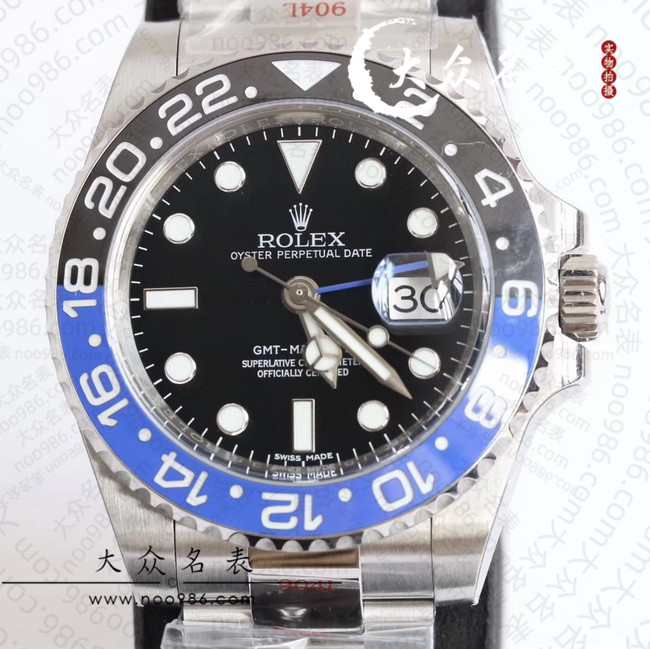
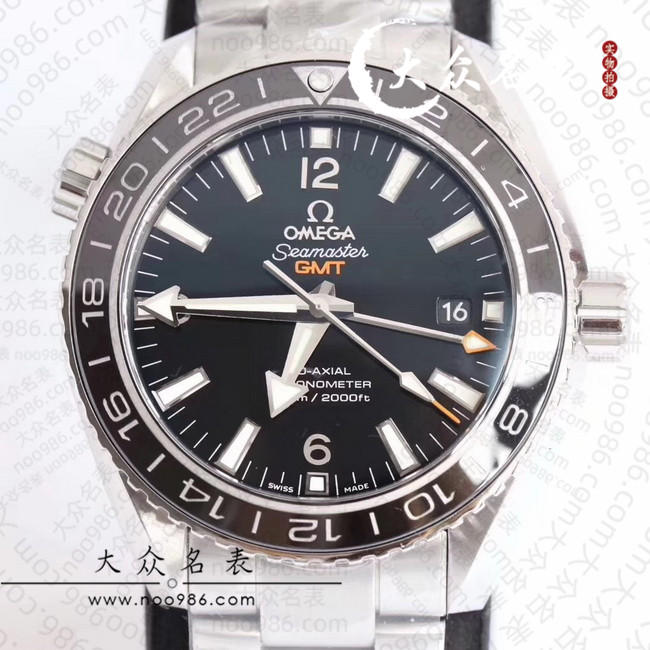
Key Points: The original purpose of the GMT hand (green‑or red‑coloured hand) is to display your home‑country time. When you travel or go on a business trip abroad, the GMT hand shows the time back home, while the regular hour hand reads the local time of your destination.
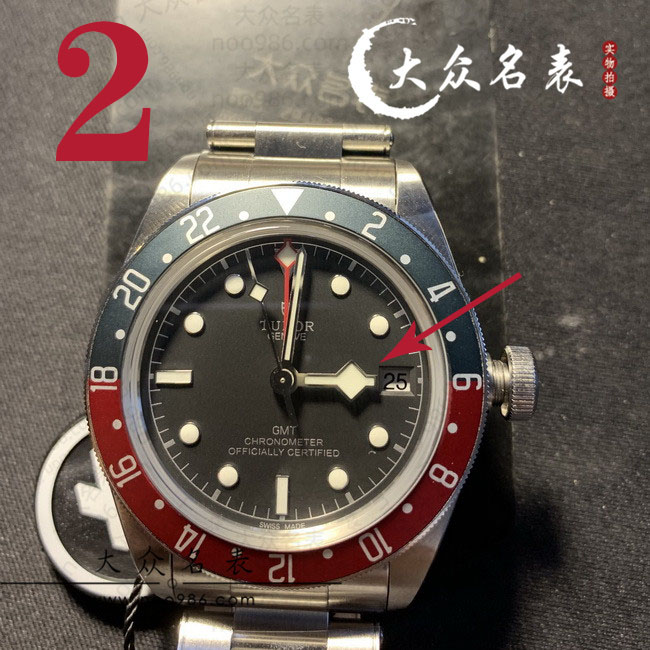
Function Description: Normally, the GMT hand adjusts in the opposite direction of the date setting. To adjust it independently, simply pull the crown out to the date‑setting position.
Reference Scenario: I will use two familiar destinations for illustration: Japan and Sydney. Imagine I am on a business trip in Australia and need to keep track of the time in both my home country and Japan. During winter time, Sydney is 3 hours ahead of my home country, and Japan is 1 hour ahead of my home country.
Four‑Step Procedure for Setting Three Time Zones: Having arrived in Sydney, turn all hands (ignoring the seconds hand) to the 12‑o’clock position before making adjustments. This 12‑o’clock position represents midnight, not noon.
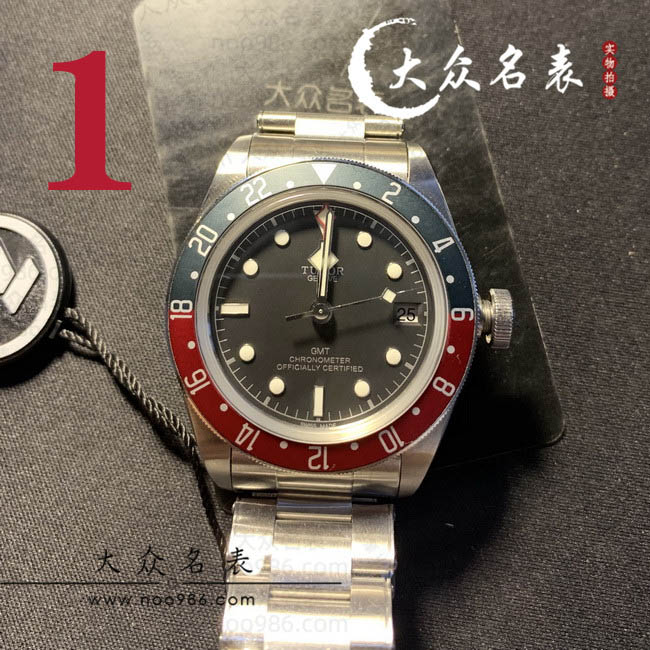
(Note: The time shown on the main dial is my current local time in Sydney.) Since the time difference is 3 hours, first set the main dial time to 3 o’clock. Then reset the GMT hand (home‑country time) back to 12 o’clock. The reason for this reset is that the GMT hand moves in tandem while adjusting the main‑dial time, so you must manually turn the GMT hand back to 12. This sets a 3‑hour offset between Sydney local time and the home‑country time displayed by the GMT hand.
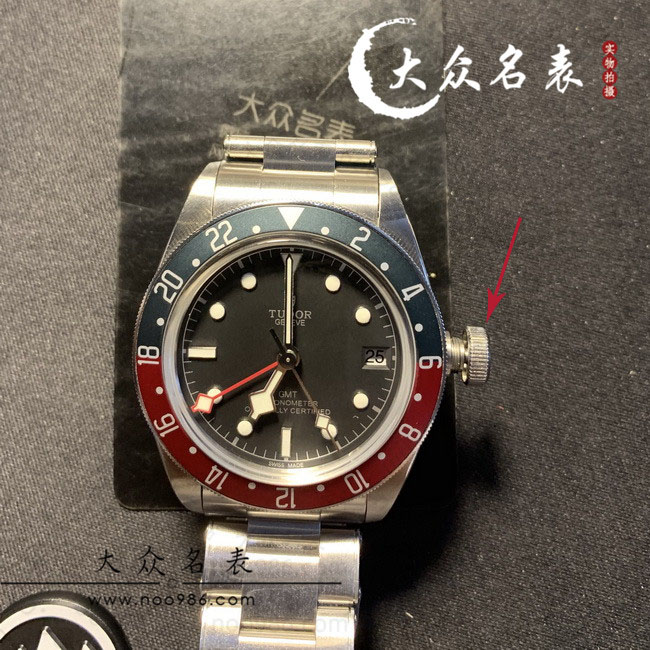
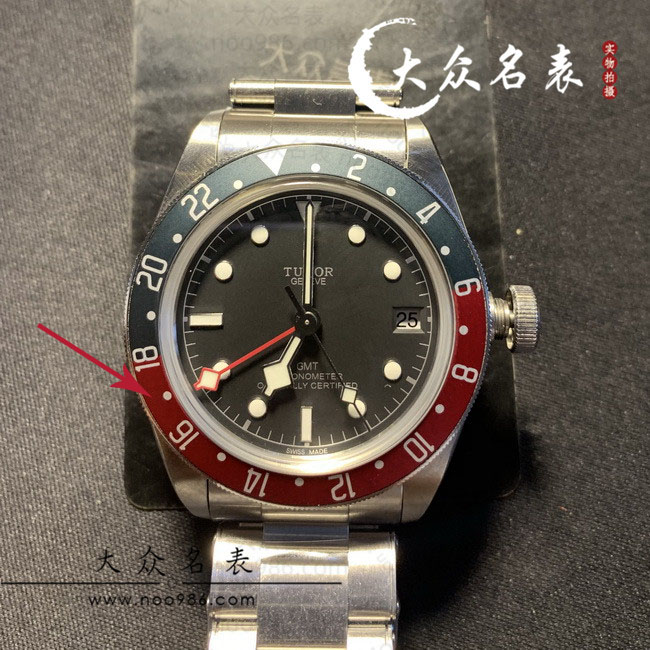
Then rotate the crown to adjust the main hour hand for Sydney local time to 7 o’clock, the time when I get off the plane. The time in China can be read from the GMT hand, using the bezel scale of the GMT‑Master bezel as reference, which reads 16:00. The time shown in the illustration below is 7 o’clock in Sydney and 4 o’clock in China.
What about Japan? Japan is one hour ahead of China. Rotate the GMT bezel to align with 17:00, and the GMT hand will now indicate Japanese time. Once you are familiar with the time‑zone offsets of major cities worldwide, you can read the time for different countries by rotating the bezel plus or minus against the reference time of China.
Summary: Setting the dual‑time function is actually quite straightforward. Still, nothing beats the satellite‑synchronized time on your smartphone. Yet imagine arriving in a foreign country with no internet access. While your companions wait for their phones to pick up a signal, you can already read the current local time directly from your watch face. Can you appreciate the special meaning this timepiece brings? It captures the sentiment that a single leaf reveals the universe, and one flower represents the whole world. One watch can accompany you across the globe.
You do not even need a dedicated GMT watch to track two time zones. In the next post, I will demonstrate how to use the rotating dive bezel on dive watches such as the Submariner and Planet Ocean to set a second time zone. Stay tuned.